
An in-app guide that talks to your users and points at what to do next.
Docent reads the screen your user is on, knows your product from your own documents, and walks them to what they came for by talking, pointing and navigating. It is a mascot in the corner of your app that answers the question the user actually has.
npm i @usedocent/react @usedocent/mascot @usedocent/sdk-audio-live @usedocent/sdk-audio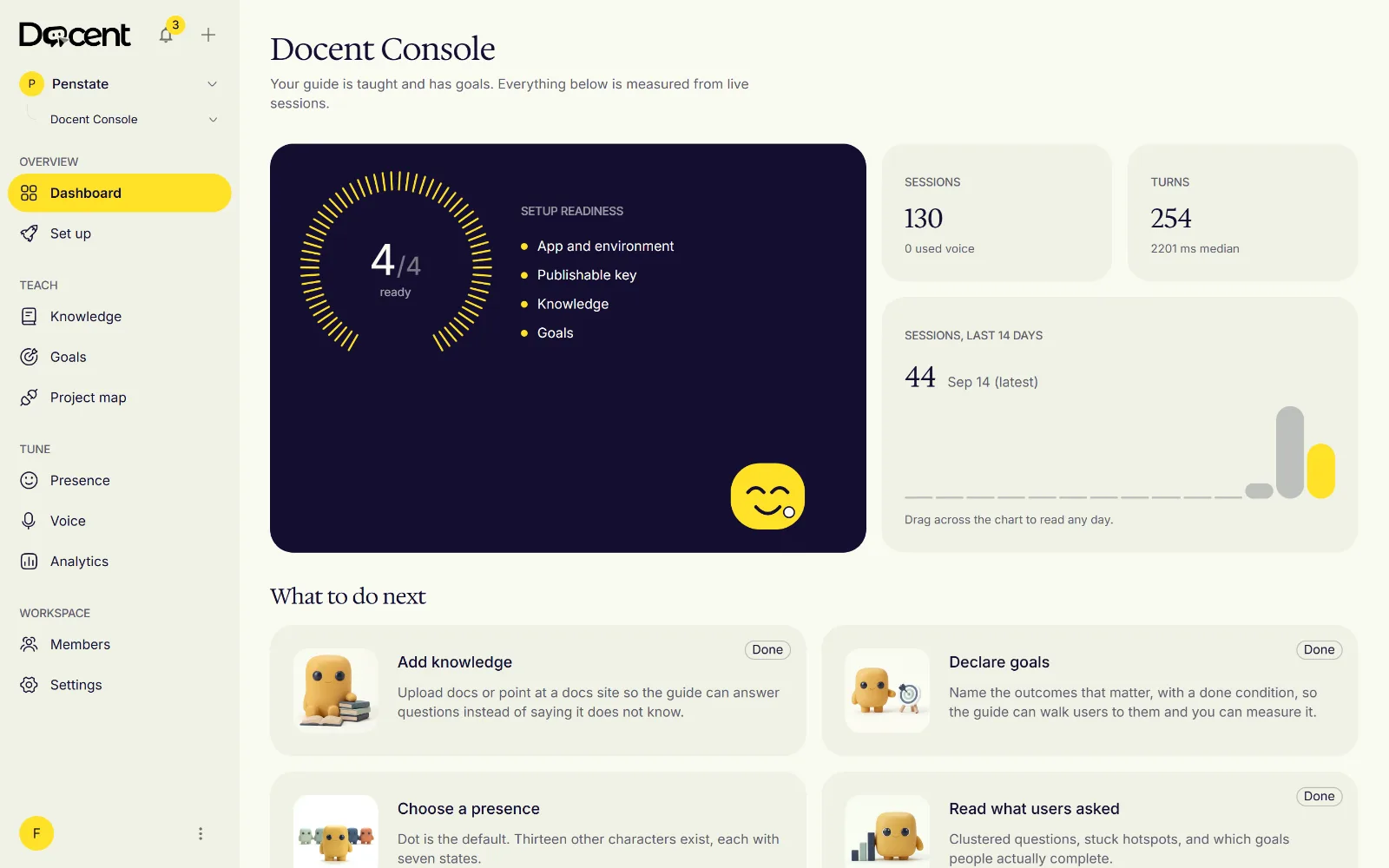















One of these runs in your app.
Guide, do not act
Guides by default. Acts only where you allow it.
Docent spotlights the control, points at it, and explains what it does. It clicks, types or submits only where you have marked the element as allowed, and only when the user asked for that in the same turn. Anything that looks like a payment, a purchase or a deletion is refused before it is attempted, and so is any element you mark as forbidden.
These rules run in the browser, in the SDK, and cannot be turned off by configuration. A guide that cannot break your app is one you can leave switched on for every user.
Setup
Installed in one prompt
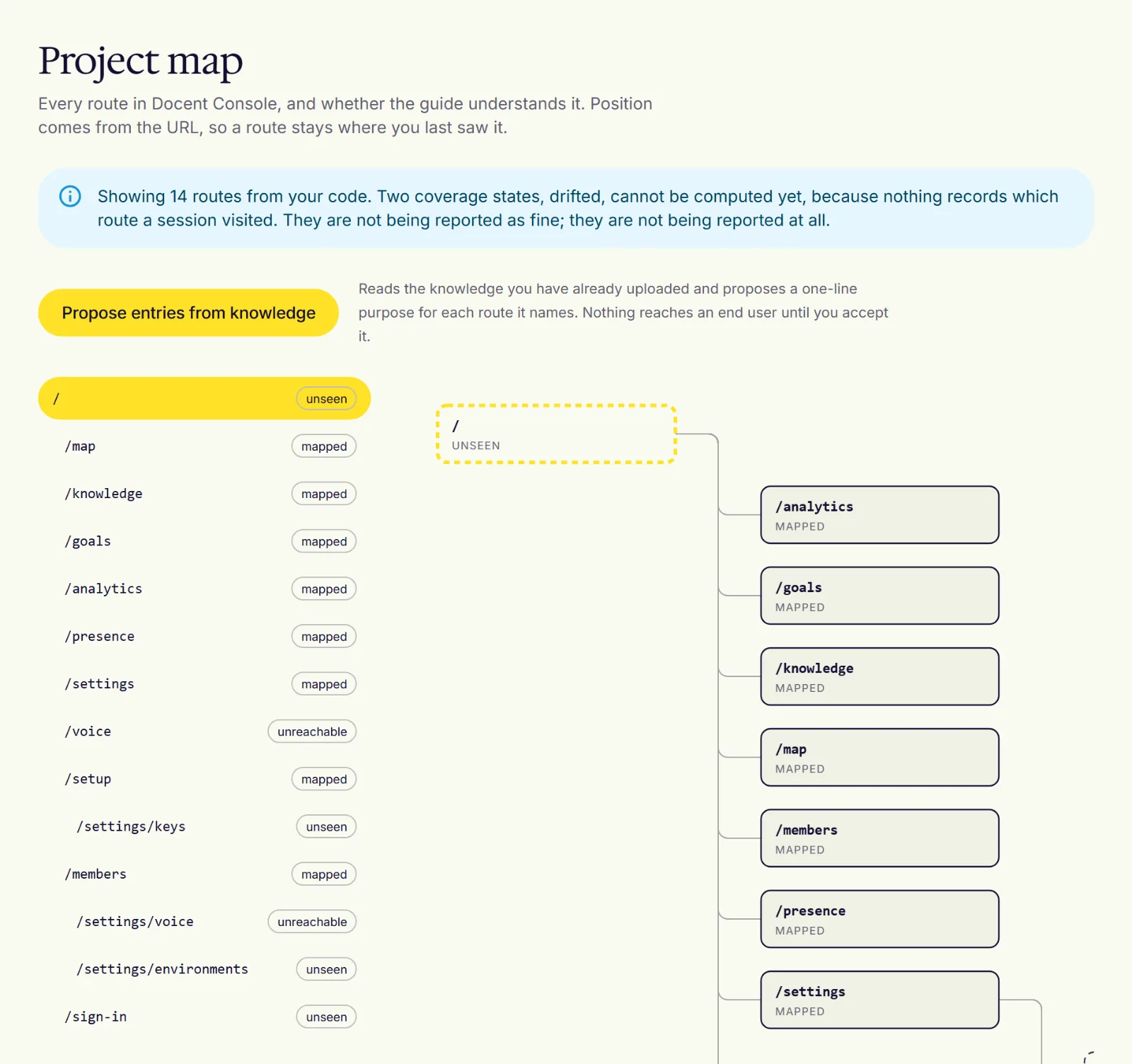
You install one package and mount one component, and the coding tool you already use can do both from a single prompt. The Console then reads your app's routes, drafts a map of what each screen is for from the documents you upload, and asks you to accept or correct each entry before the guide is allowed to say it. There are no flows to script and no tours to keep in step with your product.
Paste one prompt into the tool you already use
 Claude Code
 Cursor
 GitHub Copilot
 Windsurf
 Codex
Codex v0
v0 Replit
Add Docent to this app. Follow https://docs.usedocent.com/llms.mdx/docs/0.1/quickstart/content.md step by step; it is written for you. The app id, publishable key and API URL are on the Set up page of the Docent Console at app.usedocent.com. Never put a dk_sec_ secret key in the browser.
Or by hand
npm i @usedocent/react @usedocent/mascot @usedocent/sdk-audio-live @usedocent/sdk-audio- >
Voice, pointing, knowledge
It hears, it points, it knows your product
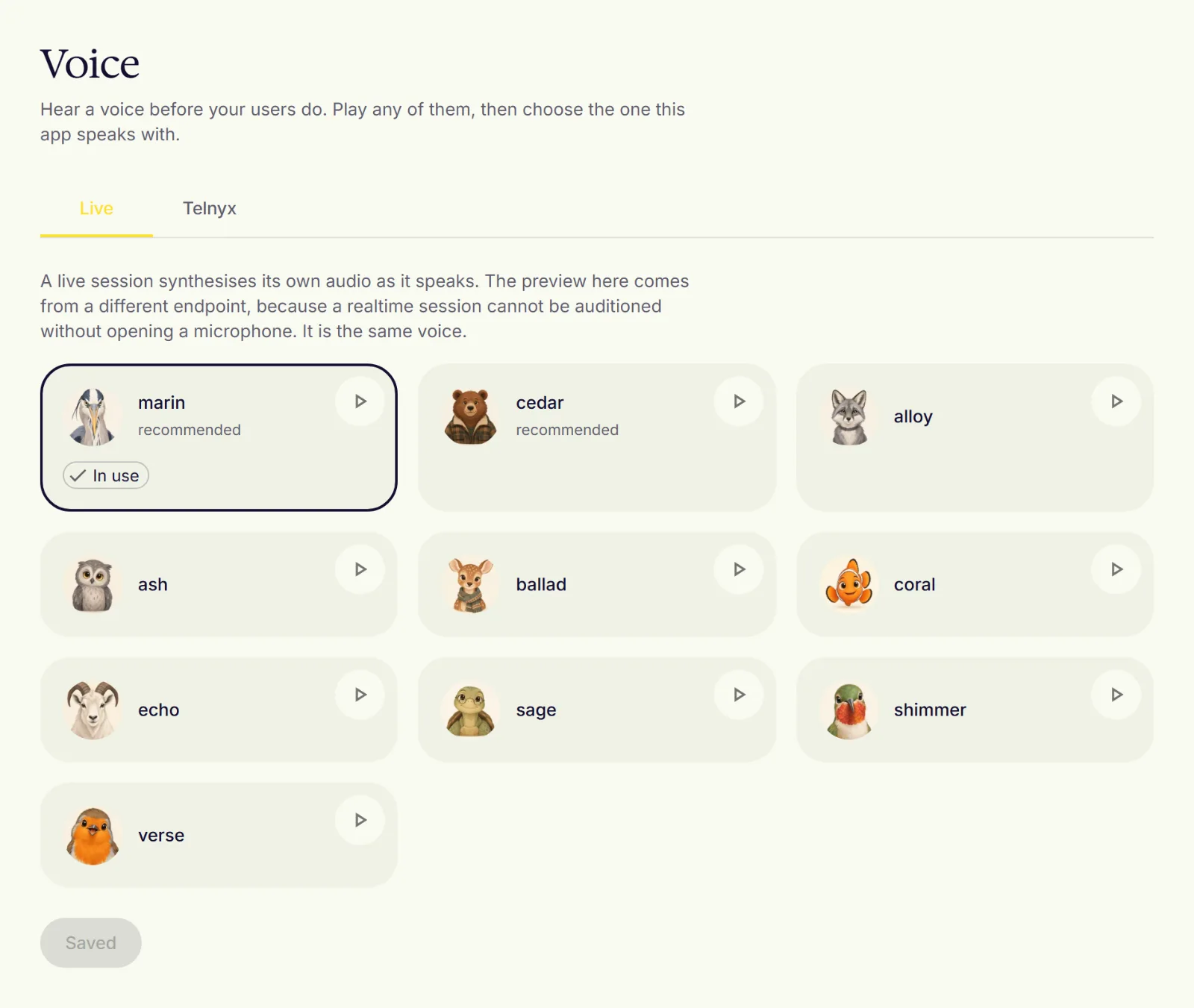
A user can talk to the guide or type to it; both go through the same session and the same rules. The microphone opens only after they agree to it, closes after each turn, and shows an indicator while it is open. The guide's replies come from a model that sees the current screen, your accepted map and your documents, and it points at real elements by their accessible names, so it works with the app you have rather than one rebuilt for it.
Analytics
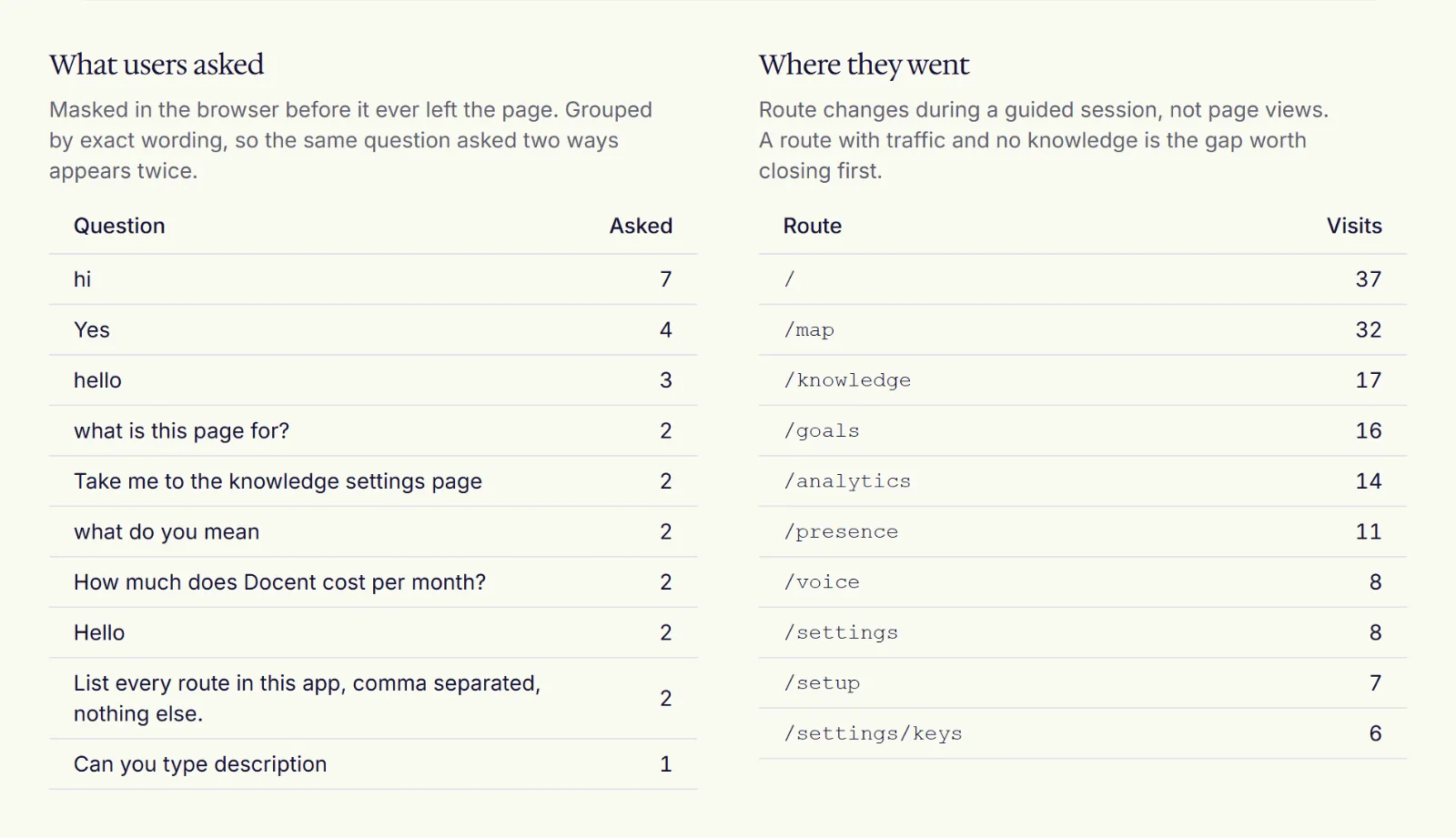
What your users asked
Most product analytics tell you where people left. Docent also tells you what they were trying to do when they left, in their words. Every question the guide could not answer goes to a queue you can read, and every place users got stuck is listed with the route and the signal that fired. You fix the product, or the documents, or both, and the numbers move the next week.
Privacy
Privacy, plainly
The guide reads the accessibility tree, not pixels. Before anything leaves the browser, every input value is removed, every region you mark as masked is removed, and text that looks like an email address, a card number or a phone number is replaced. If that step fails, nothing is sent. Docent stores the masked text of each turn and never stores audio. You set a retention period between 0 and 90 days for each environment. Automatic deletion at that boundary is not yet running.
Four companies process data for Docent today: Cloudflare, Neon, Telnyx and OpenAI. Each is named, with what it handles and where, on the sub-processors page, and a test in our own code base fails if that page and our configuration ever disagree. The privacy page and the terms say the rest in the same plain terms.
Pricing follows the same rule. There are three tiers, Free, Growth and Enterprise. Free covers one app and 200 guided sessions a month with no card. Growth is billed per guided session, and its price is published when billing launches. Enterprise is defined around your own keys, single sign-on and EU residency, and is invoiced; it is not sold yet.
Put a guide in your app this week.
Free has no card and takes one afternoon. The Acme demo is the same SDK running in a stand-in customer app, so you can see every behaviour on this page before you install.